

As someone who’s been in the IT field for over a decade, I think about desk setups a lot.
I mean — I’ve already written Part 1 and Part 2 of my Dream Home Office Setup series on Medium. 😁
I’m constantly looking for ways to improve mine — not just in terms of practicality, but also from a more futuristic point of view. Today’s technology might not be quite there yet, but it could be — very soon.
So basically, every time I watch one of those YouTube videos about home desk setups, I always hear the same complaint: cable management. And honestly? I hate cables.
We’ve spent years trying to remove them from our lives — wireless headphones, wireless charging (which… isn’t really wireless, is it?), wireless keyboards. But when it comes to desk setups — especially monitors and laptops — we’re still dealing with cables, chargers, and docking stations.
The future isn’t about having no wires (well, maybe one day, haha). It’s about hiding them — moving them out of sight, out of mind.
Let’s just imagine – just for a second – what a truly smart, minimal, wireless-friendly desk could look like. Not in 10 years, but in the near future.
Wireless Monitors? Great — but only when it makes sense
Everyone wants to get rid of monitor cables, but let’s be honest.
A desktop monitor can now do more than just show video — it can also:
- Charge your laptop
- Act as a USB hub
That’s why today’s Thunderbolt monitors are probably the closest thing we have to “the future.” But even those still need two cables — one for power, and one Thunderbolt cable for video, data, and charging.
Sure, it sounds cool to remove the Thunderbolt cable and make video/data wireless. But if you do that, you suddenly need an extra charger for your laptop — so you’ve just swapped one cable for another.
So yeah — wireless video sounds futuristic, but it’s not the right solution for every setup.
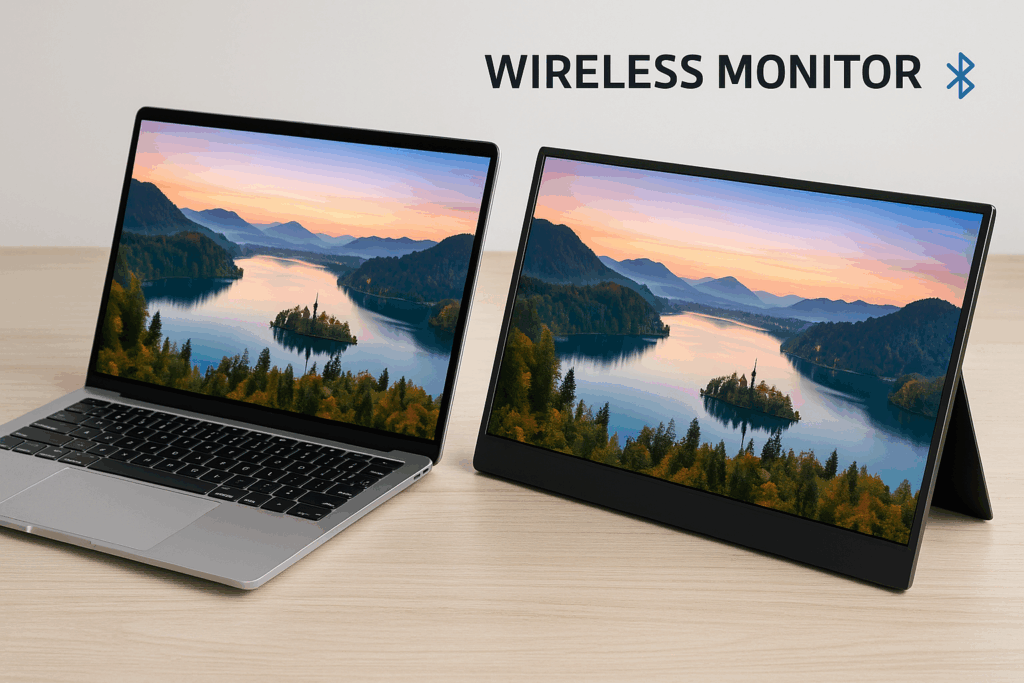
Where Wireless Monitors Actually Make Sense: Portable Setups
Now here’s where wireless video truly makes sense: portable monitors.
When you’re working from a café, a couch, or a shared desk — and your laptop’s already plugged in — being able to send video wirelessly to a second screen and also charge it wirelessly would feel amazing.
One less cable is one less thing to carry and think about.
Some devices today already support wireless mirroring, but we want of course, to extend the display, not just mirror it.
You might think it’s a small improvement no one would notice — but trust me, every small improvement matters. It is the same analogy with the life itself 😉.
But Maybe the Monitor Isn’t the Problem. Maybe It’s the Desk.
Most modern desks — especially standing desks — already have built-in power for their motors and accessories. So here’s a thought:
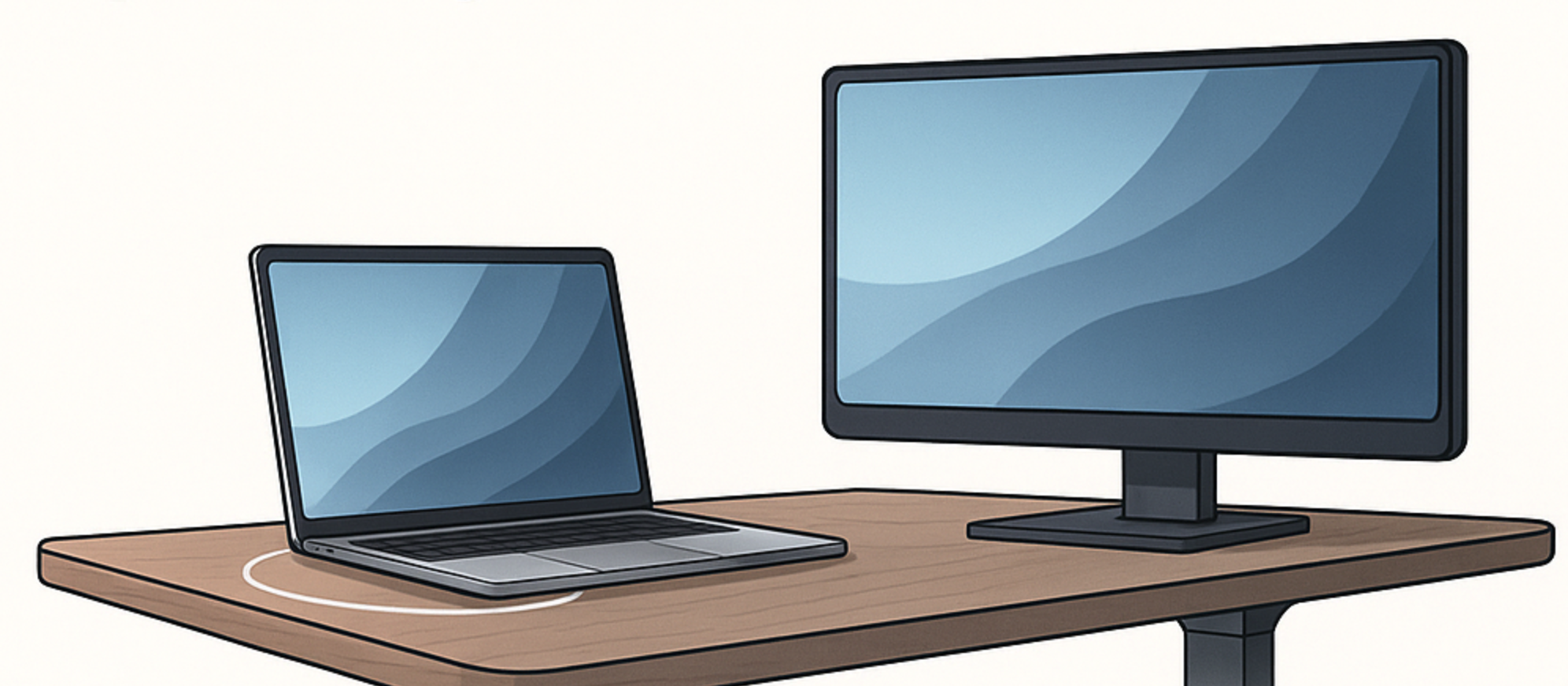
Why not build a wireless laptop charger directly into the desk surface?
Imagine this:
- You place your laptop where you always place it
- It starts charging automatically
- You don’t see a cable
- You don’t plug anything in
It’s not about making everything wireless — it’s about making the experience wireless.
The Best Charging Zone Design
Should the whole desk be one big charger? Probably not. That would be one big expensive overkill. But here’s a smarter, more realistic solution:
- A wide-area charging strip embedded under the desktop
- Enough space to shift your laptop around freely
- No need to align it to a tiny pad
- Optional subtle indicators to show the “sweet spot”
This gives you freedom and functionality — without locking you to one rigid position.
Then the Next Question: Why Not Charge the Monitor Too?
I know, I know — wirelessly charging your laptop might sound like something from the future.
But honestly, why not?
There are already some wireless charging kits for laptops available today — at the time of writing this article — so why not take it one step further and hide those kits under a specific area of the desk?
If the desk already has power…
If it can already charge your laptop wirelessly…
Then why shouldn’t it also power your monitor?
Does it sound like a sci-fi? Well, guess what, AI also sounded like a sci-fi. Internet also sounded like a sci-fi. Going to the moon also once sounded like a sci-fi.
Nobody wants to run a power cable across the floor just to plug in a monitor. But if the desk already has power flowing through it, it could easily:
- Power a monitor stand that’s built right into the desk
- Deliver wireless energy upward using resonance or magnetic fields
- Keep the entire workspace clean and cable-free
Maybe The Point Isn’t “No Cables.” It’s Invisible Ones.
Maybe it’s not about getting rid of wires completely (yet… I mean, I could write a whole next article and let my imagination go wild — but I kept it a bit real this time 😄).
Maybe it’s just about making them disappear. For now.
A smart desk setup doesn’t need to eliminate every cable.
It just needs to hide them well. Use them smarter. Like a true minimalist.
~ Andrea